Strong software updates cybersecurity habits rarely feel urgent. A proposal is nearly finished. Payroll is due. An invoice is waiting on a client’s desk. The business runs, as it does most days, on a laptop that has quietly become indispensable.
Then, a small interruption: An update is available. Restart required.
There is always a reason to wait — the workday is too full, the system seems fine, tomorrow will be quieter. Usually, nothing happens. Occasionally, the flaw that update was meant to close becomes the way someone gets in.
Software vulnerabilities are simply weaknesses — in an application, an operating system or a plugin — that an attacker can exploit. When a vulnerability becomes public, the company responsible may release a patch. But a patch only protects the businesses that install it.
The Canadian Centre for Cyber Security has been direct about what happens next: threat actors constantly scan for publicly known weaknesses, and the time between disclosure and exploitation continues to shrink, with attacks beginning within days. That leaves a narrow window between a weakness becoming known and an organization closing it. For an attacker, the target may not matter. What matters is finding a system that hasn’t been updated yet.
A delayed update rarely feels like a security decision. It feels like a scheduling one, easy to defer when the calendar is already full. But outdated software can affect far more than the machine flashing the notification: a vulnerable business application can hold customer records, an exposed server can support daily operations, and a neglected website plugin can open a route into the site your customers trust.
The consequences scale with what’s exposed. A successful compromise can mean disrupted operations, exposed data, recovery costs and a client relationship that doesn’t fully recover. The real risk isn’t that one missed update guarantees an attack. It’s that businesses can carry known, unresolved weaknesses without realizing how much exposure has quietly built up. In practice, software updates cybersecurity is less about one patch and more about closing that accumulated exposure before someone else finds it.
Table of Contents

A patch only protects the business that installs it.
The Maintenance Gap
The gap is measurable. Statistics Canada’s Canadian Survey of Cyber Security and Cybercrime found that 65% of Canadian businesses in 2019 did not install security updates for their software and operating systems on a monthly basis or more often.
The figure is not a current measure of Canadian businesses in 2026, but it reveals a longstanding operational problem: keeping software updated is not simply a technical task. Someone has to own it. When no one does, software updates cybersecurity quietly collapses into an assumption that someone else is handling it.
65%
of Canadian businesses in 2019 did not install security updates monthly or more often, according to Statistics Canada’s Canadian Survey of Cyber Security and Cybercrime.
Source: Statistics Canada, 2019
That responsibility might sit with an owner, an employee, a web developer or an outside IT provider. When it isn’t clearly assigned to any of them, routine maintenance quietly becomes no one’s job at all.
This pattern is closely linked to the wider business cybersecurity risk in 2026 — where unresolved weaknesses accumulate quietly until they become active exposure.
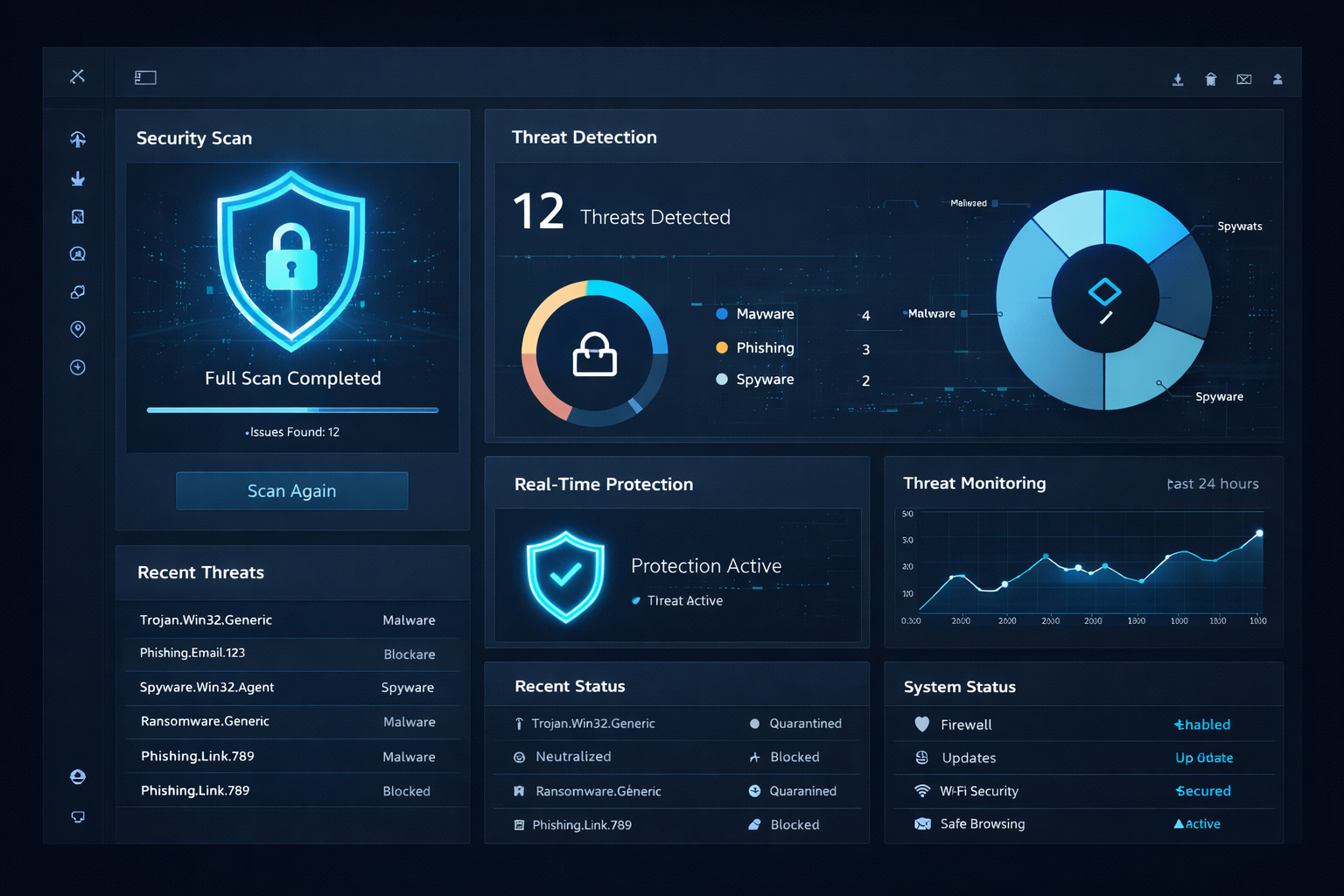
Update status should be monitored, not assumed.
Make Updates Someone’s Responsibility
The fix isn’t installing every update blindly. It’s building a habit around business-critical systems, compatibility and urgency — and treating maintenance as part of operations rather than an afterthought. Reliable software updates cybersecurity comes down to process, not heroics.
A few practices make that manageable:
Know What You Run
Keep a current inventory of business devices, applications and website components.
Assign Ownership
One person or provider should be accountable for monitoring and applying updates.
Prioritize by Risk
Address actively exploited and high-severity vulnerabilities promptly.
Retire What You Don’t Use
Unused applications and unsupported software create exposure with no upside.
Confirm the Work
Verify that updates completed successfully rather than trusting a notification alone.
Document a Policy
A written update policy turns a task that’s easy to postpone into one that gets done.
Maintenance overlaps heavily with everyday employee habits. As we outlined in our guide on human error in cybersecurity, ignoring software updates is one of the five most common ways staff unintentionally leave a business exposed.

A written update policy turns intention into routine.
How RytPik Helps Close the Gap
At RytPik, we help businesses see these gaps clearly — outdated software, unsupported applications and routine maintenance that has slipped through the cracks. Our approach to software updates cybersecurity is built around visibility, ownership and follow-through rather than panic responses after an incident.
The goal isn’t to make technology more complicated. It’s to give owners a clear view of what needs attention, who owns it and where an unresolved weakness could actually affect the business.
Because a security fix only protects the business that applies it.
Related reading: 5 cybersecurity mistakes small businesses make and how to fix them →
The notification can wait. The exposure it represents shouldn’t.

Strategic patch management aligned with your business priorities.
Frequently Asked Questions
Q: Why are software updates important for cybersecurity?
Updates fix known vulnerabilities that attackers actively look for. Delaying them can leave systems exposed to weaknesses that already have a solution. The Canadian Centre for Cyber Security notes that attacks can begin within days of a vulnerability being disclosed — read its National Cyber Threat Assessment 2025–2026 →
Q: Can outdated software put a small business at risk?
Yes. Attackers can scan for vulnerable systems without targeting a business specifically. An outdated application, operating system or website component can serve as an entry point. Read our guide on business cybersecurity risk in 2026 →
Q: Should businesses install every update immediately?
Not necessarily. Updates should be prioritized by security risk and tested where appropriate, especially on critical business systems. Urgent security fixes deserve prompt attention. For a trusted baseline, see CISA’s Four Cybersecurity Essentials for Businesses →
Q: Who should manage software updates in a small business?
Responsibility should sit clearly with one person — an employee, the owner or a qualified IT provider. What matters is that updates are tracked, completed and verified. Strong software updates cybersecurity starts with clear ownership. Read our guide on closing the monitoring gap →
Q: Does patch management affect cyber insurance eligibility?
Yes. Insurers increasingly ask how organizations track and apply security updates as part of their underwriting process. Read our guide on 2026 cyber insurance requirements →
Updates Are Part of Security. Not Housekeeping.
Software updates are often treated as routine maintenance. In practice, they are one of the most reliable ways a business closes known exposure before someone else finds it. That is the real value of treating software updates cybersecurity as a habit rather than an errand.
The businesses best prepared for tomorrow’s threats are the ones paying attention to today’s notifications.
RytPik — Advanced Cybersecurity. Trusted Protection. Business Confidence.
Explore more RytPik resources: