
Shadow IT digital doors represent the unmonitored entries most businesses never realize are unlocked. A business owner knows where the physical front door is, who holds the keys, and which employees can get inside after hours.
Ask the same owner how many shadow IT digital doors the company has created through unmanaged software and cloud accounts, and the answer gets fuzzy fast.
Microsoft 365. A payroll platform. Cloud storage. A CRM. An AI writing tool someone tried three months ago and never gave up.
Some were approved. Others simply appeared because the business needed to get something done quickly.
Together, these shadow IT digital doors have quietly become part of the company’s cybersecurity perimeter — whether anyone signed off on that or not.
Table of Contents

Every digital door should have an owner, a purpose and a reason to stay open.
The Apps You Forgot About Still Matter
None of these choices look like a cybersecurity event in the moment.
An employee needs to send a large file, so they create an account. A manager finds a useful tool and connects it to the business’s Microsoft 365 login.
But every connection creates another place where company data, credentials or customer information can exist — leaving your shadow IT digital doors completely unmonitored by IT professionals.
The Canadian Centre for Cyber Security has warned that Canada’s cyber attack surface continues to expand as organizations adopt cloud-based and AI services. Its national threat assessment also identifies increasing dependence on major technology providers as a source of cyber vulnerability.
Small businesses may not be the intended target of those larger shifts.
They can still be caught in the wake of them when unapproved applications open up unexpected pathways.
Only 40%
of Canadian small businesses surveyed by BDC believed they had, hosted or used data that exposed them to cyberattack risk — while most did not have an up-to-date inventory of their data or digital assets.
Source: BDC, 2024 SME Cybersecurity Poll
The gap between what a business assumes it’s running and what it’s actually running — that’s where shadow IT digital doors live.
For a broader view of how attackers exploit those unknown entry points, see our guide on business cybersecurity risk in 2026.
5 Hidden Security Risks of Shadow IT Digital Doors
Shadow IT is simply the software employees use without the business’s formal knowledge or approval. For a small business without a dedicated IT department, it’s nearly impossible to track these tools by memory alone.
Left unmanaged, these shadow IT digital doors expose your business to five major hidden risks:
- Orphaned Accounts & Lingering Access: When employees or contractors leave the business, their main email might be disabled, but access to unapproved third-party apps often stays active indefinitely.
- Data Sprawl Outside Managed Backups: Employees uploading files to personal cloud drives or unverified AI productivity tools quietly move sensitive customer and financial data beyond company backups and encryption.
- Unchecked OAuth Token Permissions: Connecting third-party web apps via single sign-on (“Sign in with Google/Microsoft”) often grants those apps broad permissions to read emails, contacts, and shared cloud folders without approval.
- Lack of Multi-Factor Authentication (MFA): While your primary business ecosystem may enforce MFA, standalone SaaS accounts created by staff frequently rely on weak, single-factor passwords.
- Cyber Insurance Ineligibility & Compliance Failure: Insurers increasingly require a complete inventory of assets and access. Untracked shadow IT digital doors can void coverage during a breach claim.
The application itself usually isn’t the danger — the danger is what these unmonitored pathways can reach.
An attacker who compromises one of these tools may not need to break into the main network. They may already be standing beside what they came for.

Forgotten apps still connect to the systems that matter most.
Bringing the Perimeter Back Into View
The goal isn’t fewer tools.
It’s fewer unknowns.
Start by identifying what employees and contractors are actually using — closing unnecessary shadow IT digital doors rather than operating on assumptions.
Then ask:
Who Has Access — and Do They Still Need It?
Access should follow current responsibilities, not old habits.
What Can Each Application Reach?
Files, email, or payment systems — map the true reach of every tool.
What Happens to Access When Someone Leaves?
Offboarding should cover every connected application, not only the email account.
Which Accounts Carry Administrative Privileges?
Admin access is a doorway with no lock if it isn’t tracked.
Where Is Sensitive Information Actually Stored?
Assumed storage is not the same as verified storage.
Is There a Simple Approval Process for New Tools?
Controlled adoption prevents quiet accumulation.
Every digital door should have an owner, a purpose and a reason to stay open.
Unapproved access often starts with a small operational shortcut. The pattern mirrors what we explored in human error in cybersecurity — the attack vector AI exploits best.
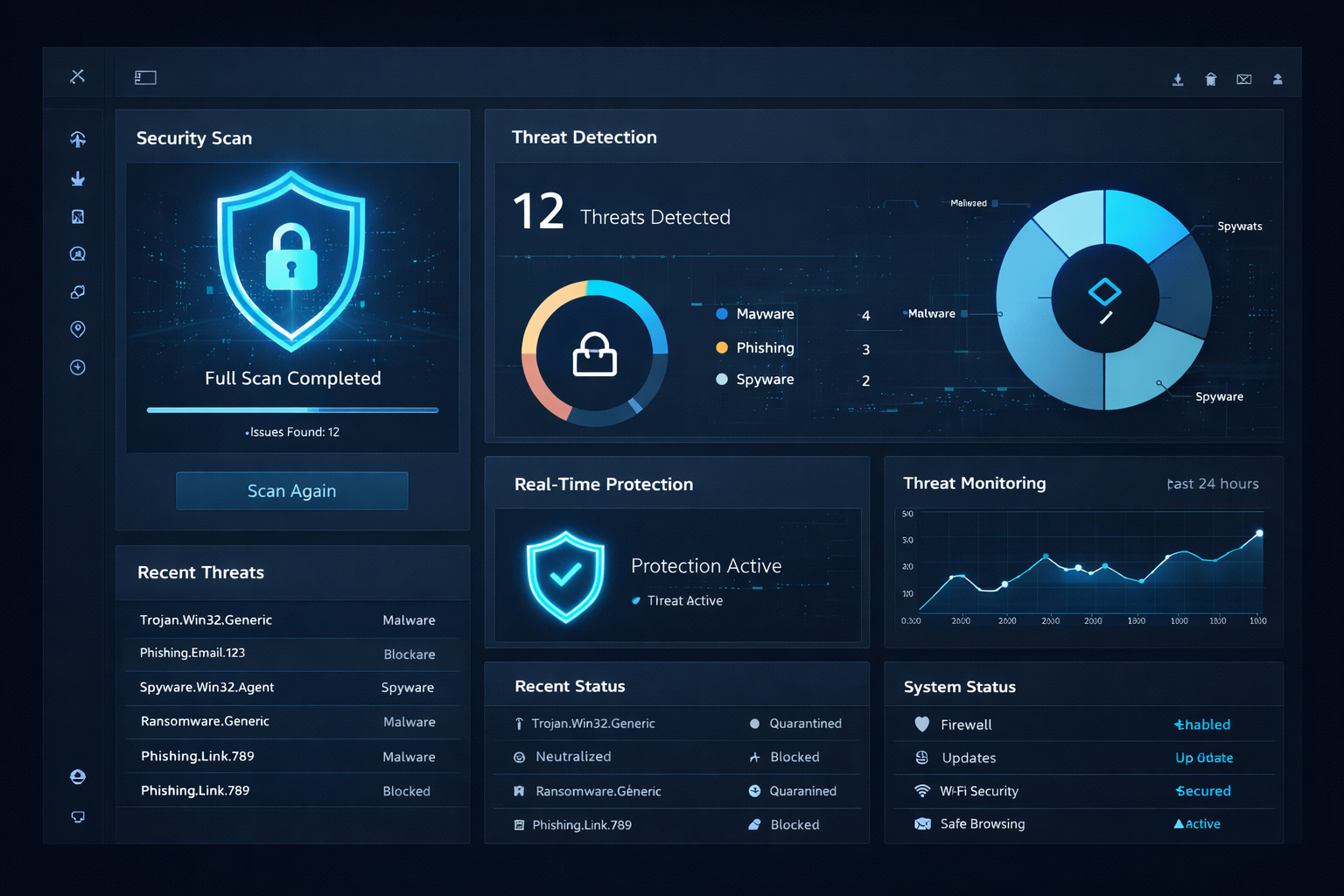
Continuous monitoring reveals the accounts and apps nobody remembers approving.
How RytPik Helps
At RytPik, we look past the security controls a business already trusts and examine the digital environment underneath them — closing dangerous shadow IT digital doors that accumulated as the business grew.
That means reviewing email-connected applications, checking identity and access, tracing where sensitive information actually lives, and giving leaders a clear picture of all active digital pathways.
Because cybersecurity is not only about protecting the systems you intentionally built.
It is also about discovering the systems that quietly built themselves around you.
Unknown access cannot be managed. It can only be discovered.
Your business does not need fewer tools.
It needs fewer unknowns.
And every digital door should have an owner, a purpose and a reason to remain open.

Strategic discovery of every application, account and access path.
Frequently Asked Questions
Q: What are shadow IT digital doors?
Shadow IT digital doors refer to unapproved software, SaaS tools, or cloud accounts that employees use without formal approval from the business’s IT or security team. Read our guide on business cybersecurity risk in 2026 →
Q: Why does shadow IT matter?
Unapproved tools can have weak security controls or broad access to company data. They can also make it difficult for a business to know where sensitive information is stored or who can reach it. For a deeper look, see 5 cybersecurity mistakes small businesses make →
Q: How can a small business find shadow IT digital doors?
Review what is connected to business email, cloud accounts and company devices, then compare those applications with what the business has actually approved. Continuous visibility makes this process repeatable rather than reactive — read our guide on closing the monitoring gap →
Q: Should businesses ban employees from using new tools?
Not necessarily. The goal is controlled adoption — a simple review process before an application receives access to company information, rather than a blanket ban on new technology. For a trusted framework, see CISA’s Four Cybersecurity Essentials for Businesses.
Q: Does shadow IT affect cyber insurance eligibility?
Yes. Cyber insurance requirements increasingly ask how organizations inventory their applications, users and data. Read our guide on 2026 cyber insurance requirements →
Fewer Unknowns. Fewer Open Doors.
Shadow IT is not a technology problem. It is a visibility problem.
Businesses that understand what is running — and what it can reach — are better prepared for whatever comes next.
RytPik — Advanced Cybersecurity. Trusted Protection. Business Confidence.
Explore more RytPik resources: